Digital signage for wedding and banquet halls
Your halls already have screens. Make them part of every event.
Most hall TVs sit blank, loop a pen drive slideshow, or show whatever the decorator left behind. Ulloo Events gives each hall its own event on screen, run from your phone, and fills free days with your own promotion.
The problem
What hall screens could be doing
- Signage is reprinted for every booking. Welcome boards and timings go to print and are thrown away the next day.
- Two events, one AV person. With a wedding in Hall A and a birthday in Hall B, it's easy for the wrong slide to reach the wrong screen.
- Guests watch but can't join in. A hall of 300 people has no easy way to vote, request a song or share photos.
- Dark screens on free days. Between bookings the TVs could be selling your next booking.
A wedding day on Hall A's stage screen
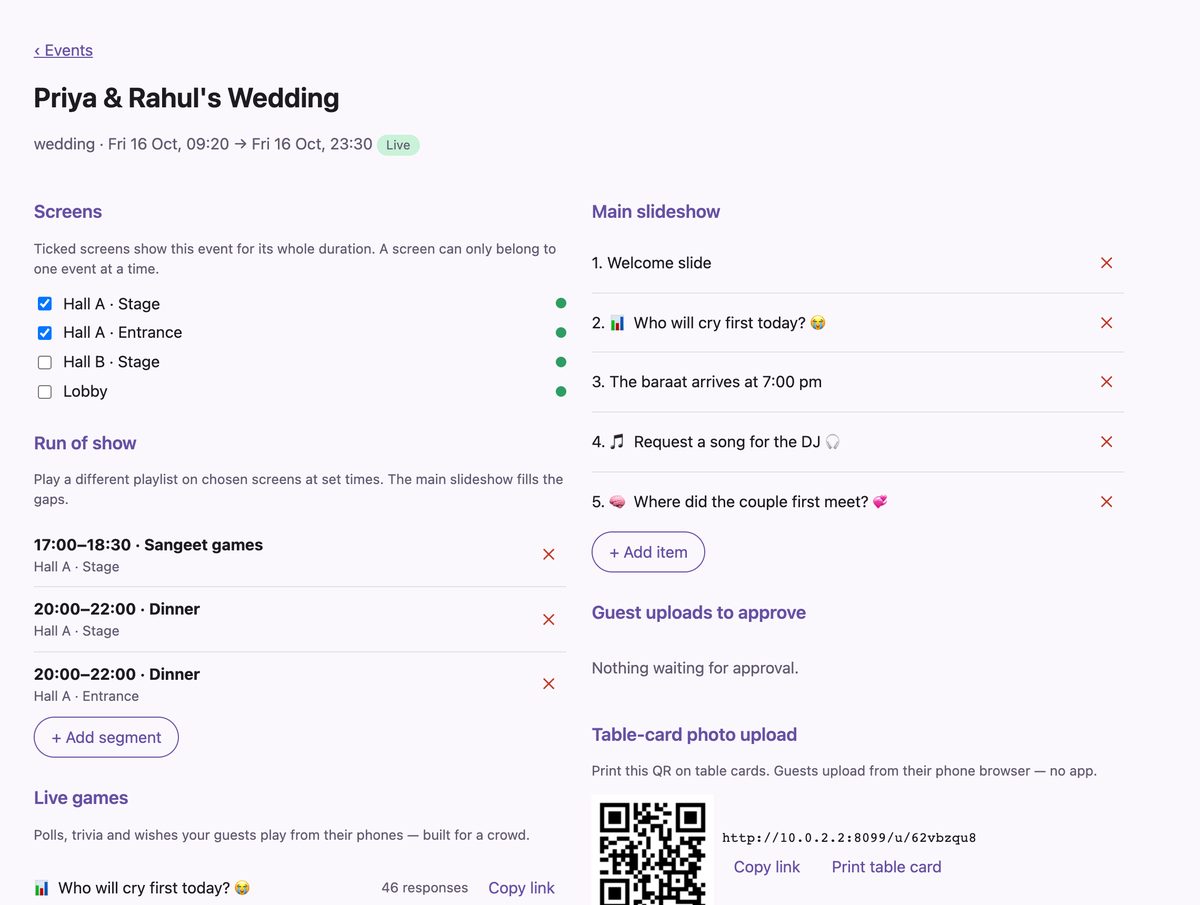
Set up the day once. The screens follow the timings.
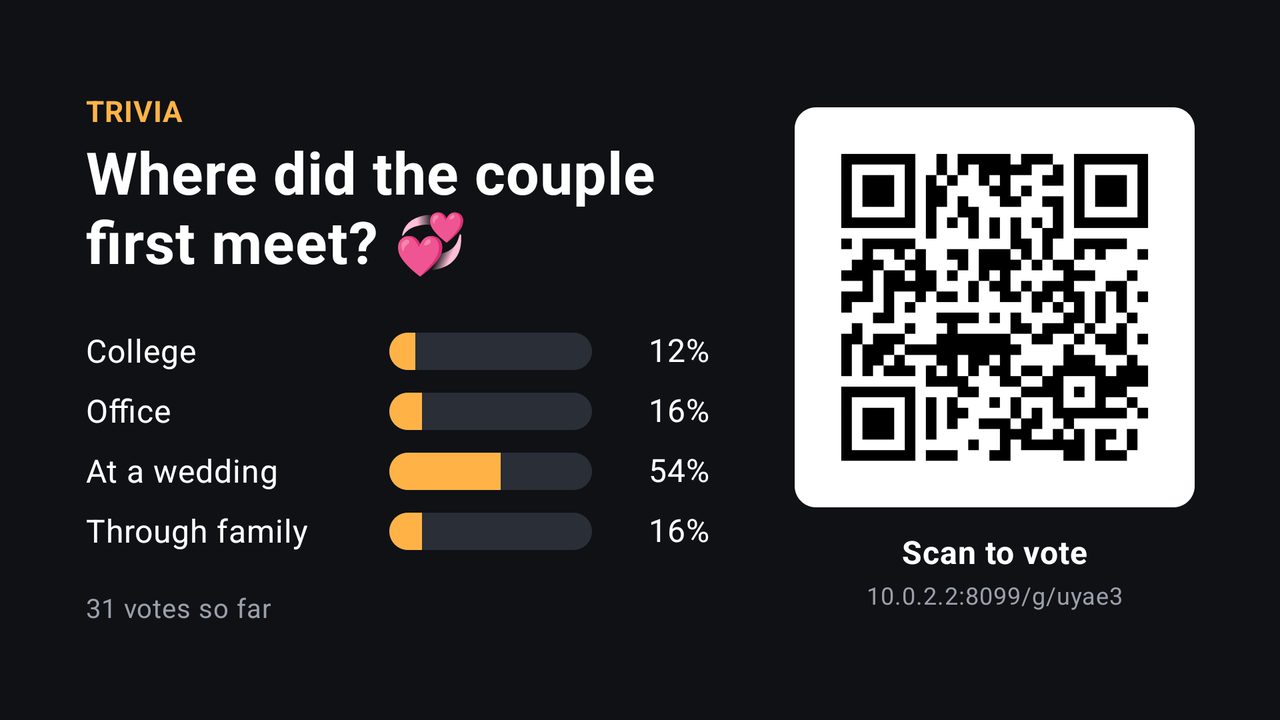
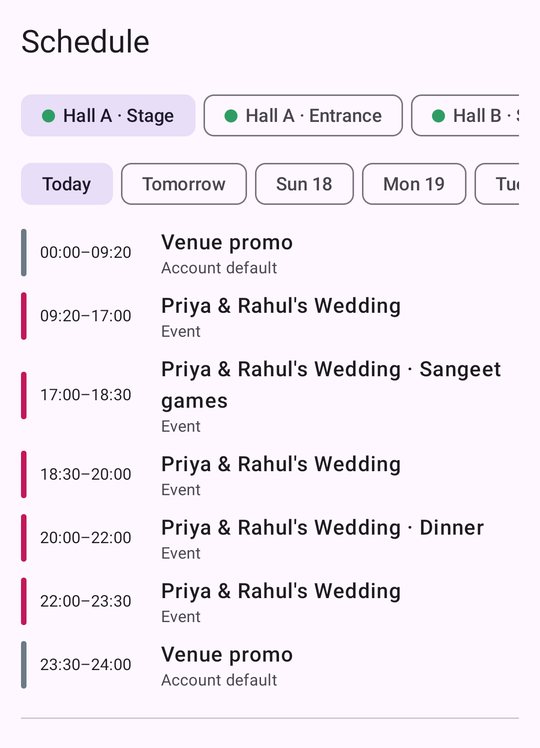
This is a real schedule from our demo venue. Nobody touches the TV during the event.
-
09:20event starts
Welcome slideshow
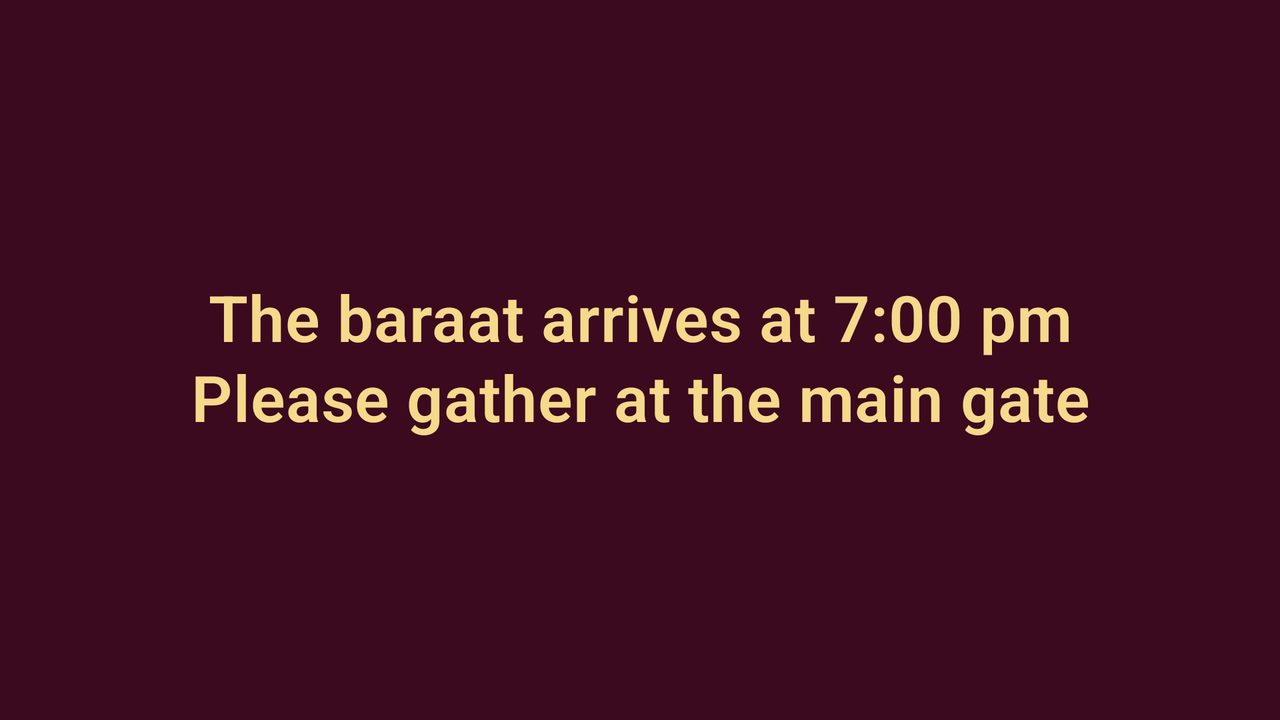
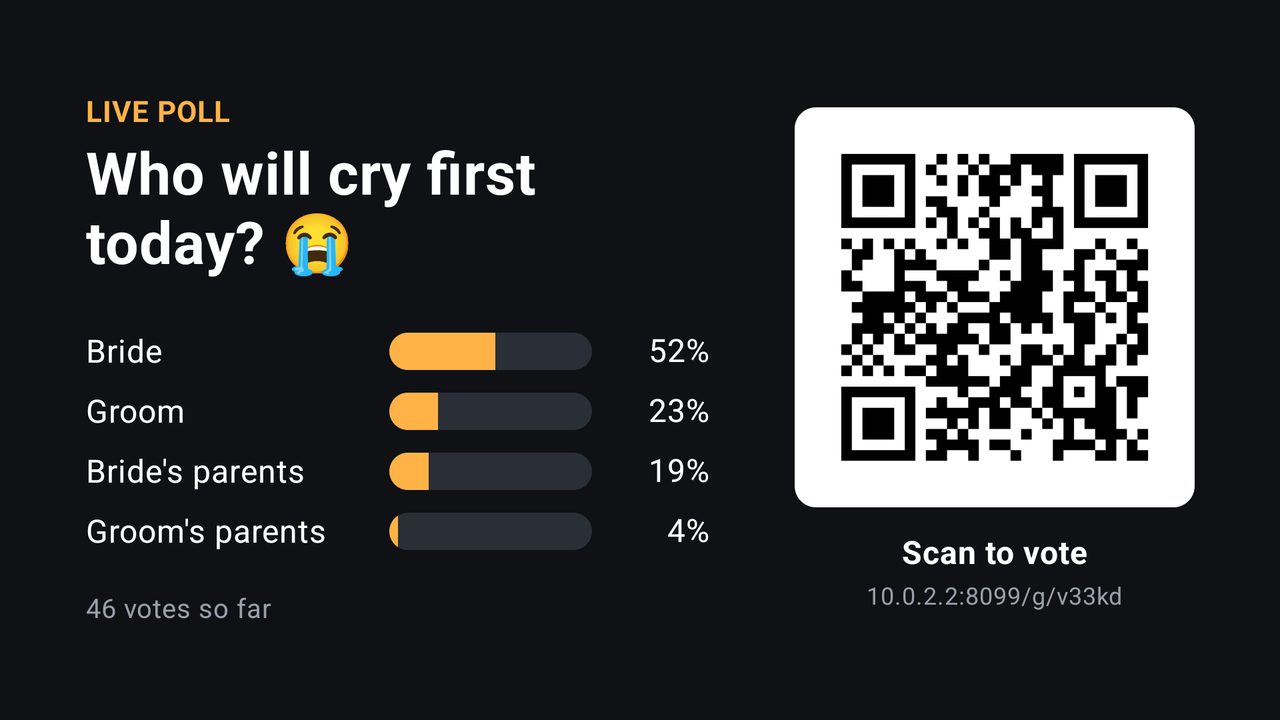
The couple's welcome slide, notices like "The baraat arrives at 7:00 pm", and live games, in a loop. It starts by itself when the event begins.
-
17:00run of show
Sangeet games
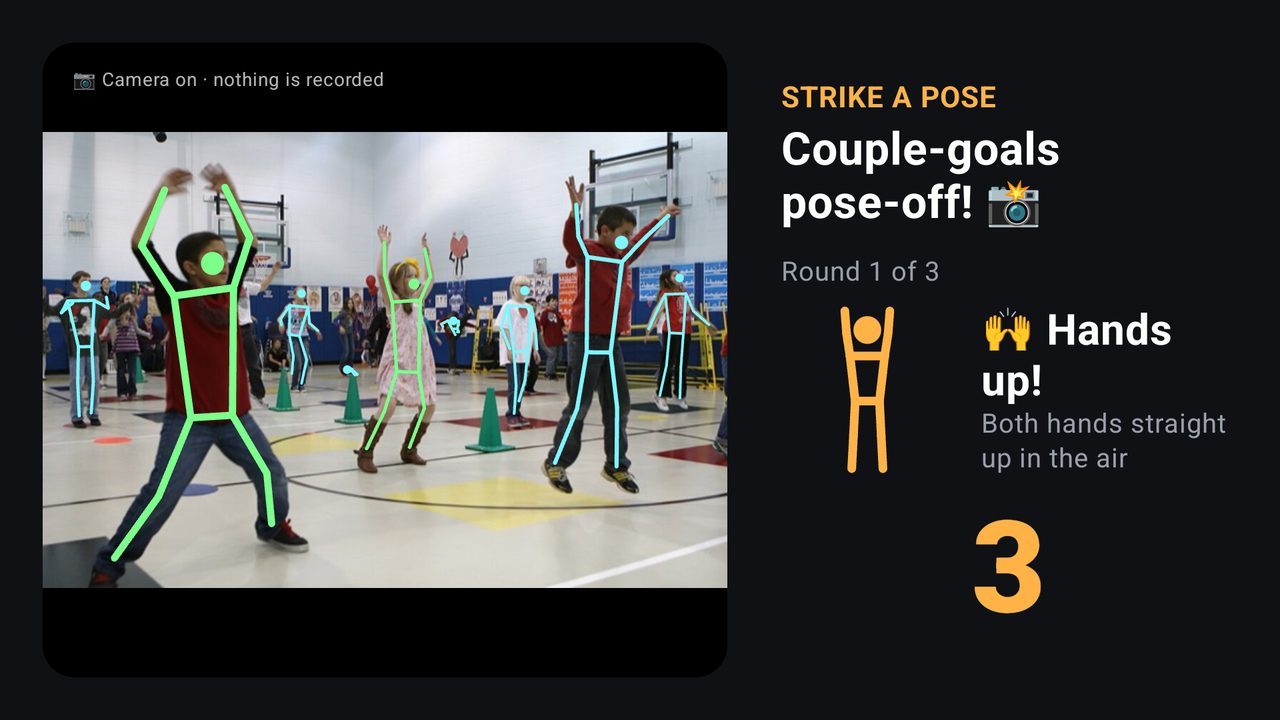
A different playlist for 90 minutes: camera games and trivia for the whole room. The main slideshow comes back at 18:30.
-
20:00run of show
Dinner
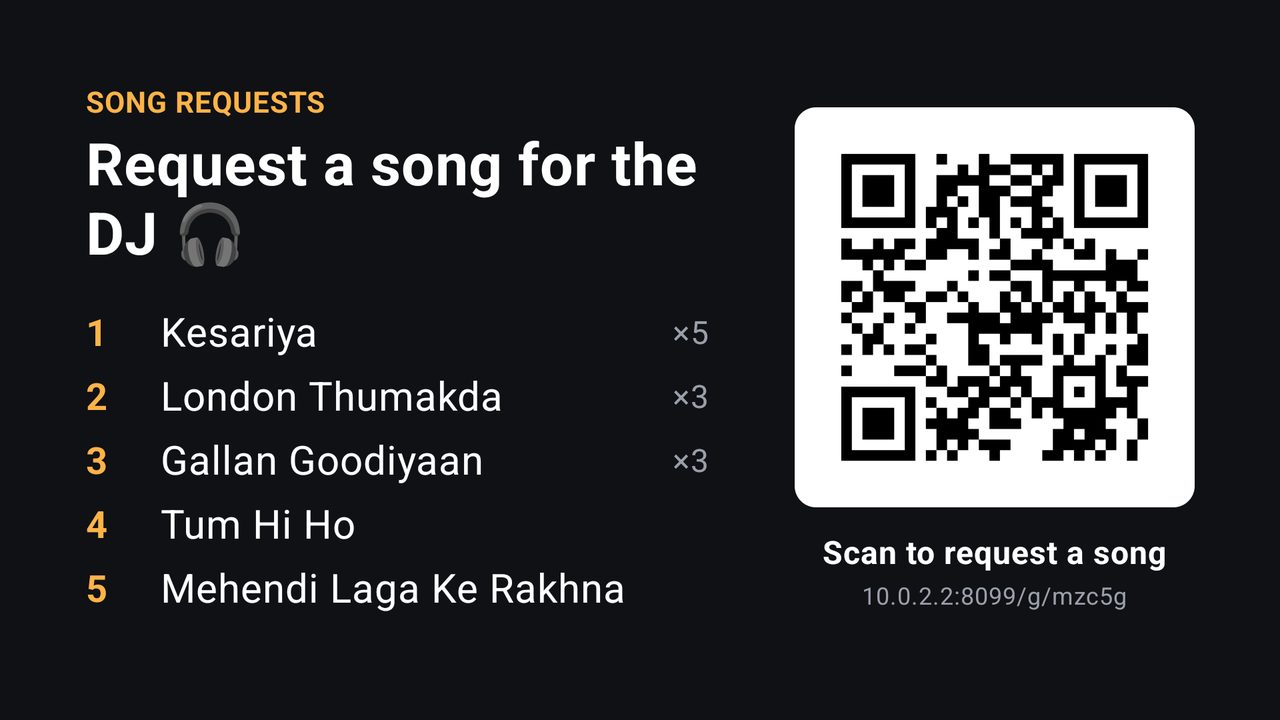
"Dinner is served" and the song request board, on both Hall A screens until 22:00.
-
23:30event ends
Back to your venue
The screen returns to your own promo playlist. The event's photos and slides are deleted 30 days later, or after however many days you choose.
For guests
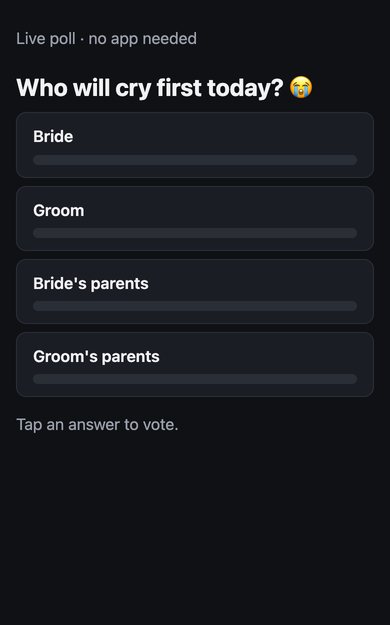
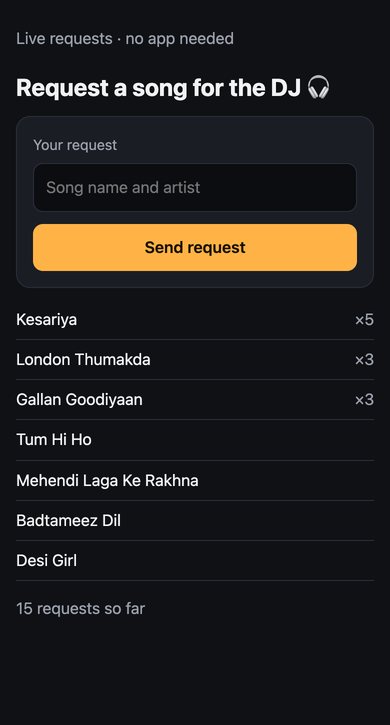
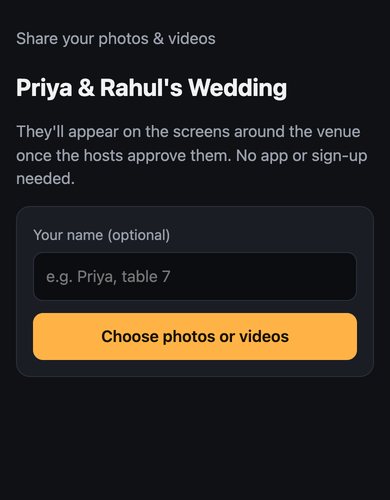
Guests join from the QR on the TV, with no app to install
Each page opens in the phone's browser and votes appear on the TV within about three seconds. It's built for a full hall: we tested 300 guests joining at once on the same Wi-Fi.
For the couple or the planner
Hand them a link, not your password
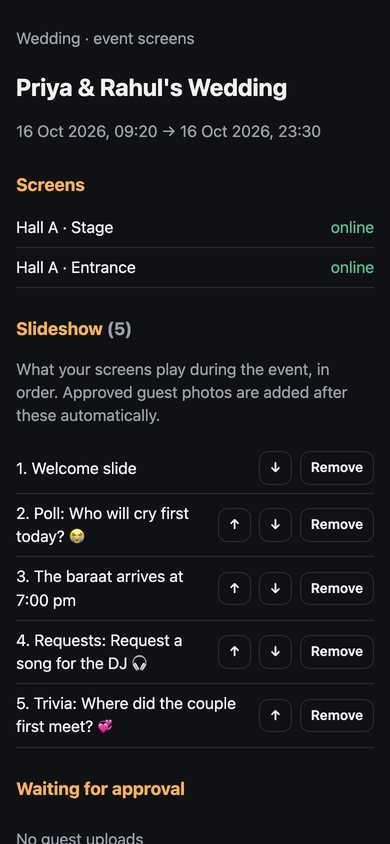
Send the family or the planner a private link to manage their own event, and nothing else in your venue.
- Reorder or remove slides, add announcements and polls.
- Approve guest photos before they reach the screen.
- See which of their screens are online.
- The link stops working a day after the event, and you can revoke it at any time.
What you need
Equipment
| Item | What | Notes |
|---|---|---|
| Each screen | A TV with an Amazon Fire TV stick or an Android TV / Google TV box | Your existing TVs work with a plug-in stick. |
| Network | Wi-Fi in each hall | Screens keep playing offline. Guests use mobile data or your guest Wi-Fi. |
| Your team | An Android phone, or any computer browser | On an iPhone, use the web app in the browser. |
| Camera games | A USB webcam on an Android TV box | Optional. Fire TV sticks have no camera port, so they skip camera games automatically. |
Questions owners ask
Common questions
Do guests need an app?
No. Voting, song requests and photo uploads open in the phone's browser from a QR code.
Two events on the same day?
Each event has its own screens. If two events overlap on a shared screen, each gets its own part of the day.
Who sees guests' photos?
Only that event. You or the couple can approve each photo first, and they are deleted with the event's content.
Can I use the LED TVs already in my hall?
Yes. Plug an Amazon Fire TV stick or an Android TV box into each TV and pair it from your phone. No new screens needed.
What if the Wi-Fi drops during a wedding?
Each screen keeps the next 24 hours of its schedule and carries on. You can still post a notice over the hall's Wi-Fi.
Does it work for receptions, sangeets and birthdays too?
Yes. Any booking can be an event with its own screens, slideshow and run of show: sangeet, mehendi, reception, birthday, conference or corporate party.