Digital signage for salons, spas and beauty parlours
Salon TV screens that sell, run from your phone.
Put your offers, services and bridal packages on the TVs in your waiting area, styling floor and front window. Happy-hour offers switch on by themselves in the quiet hours, and waiting customers can vote in polls from their phones.
The problem
The TV in your salon could be earning its keep
- It plays music videos. Customers wait 10–20 minutes, watching nothing about your services.
- Offers live on paper. Standees fade and the price list is out of date.
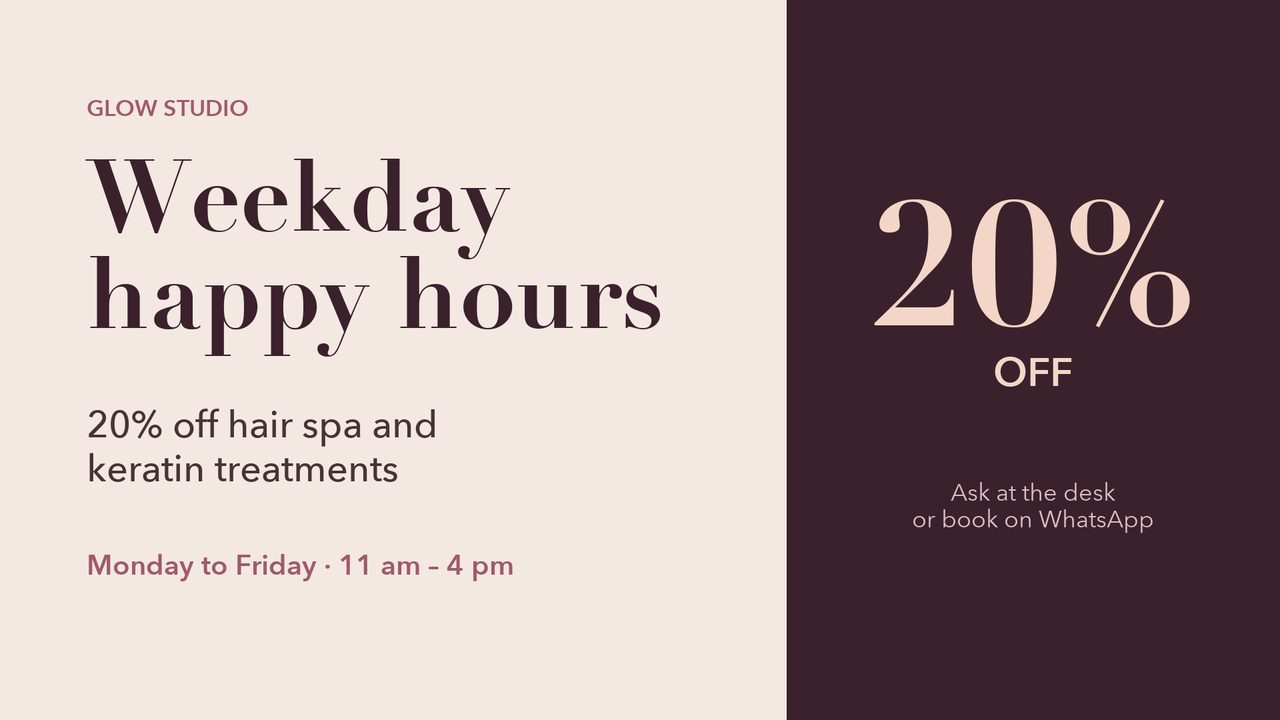
- Quiet hours stay quiet. Weekday afternoons need an offer people actually see.
- The window is dark after 6. Passers-by in the evening can't see what you offer.
A salon's screens through the day
Offers, services and polls, each at the right hour
Real screens and a real schedule from our demo salon.
-
11:00weekdays
Happy-hour offers
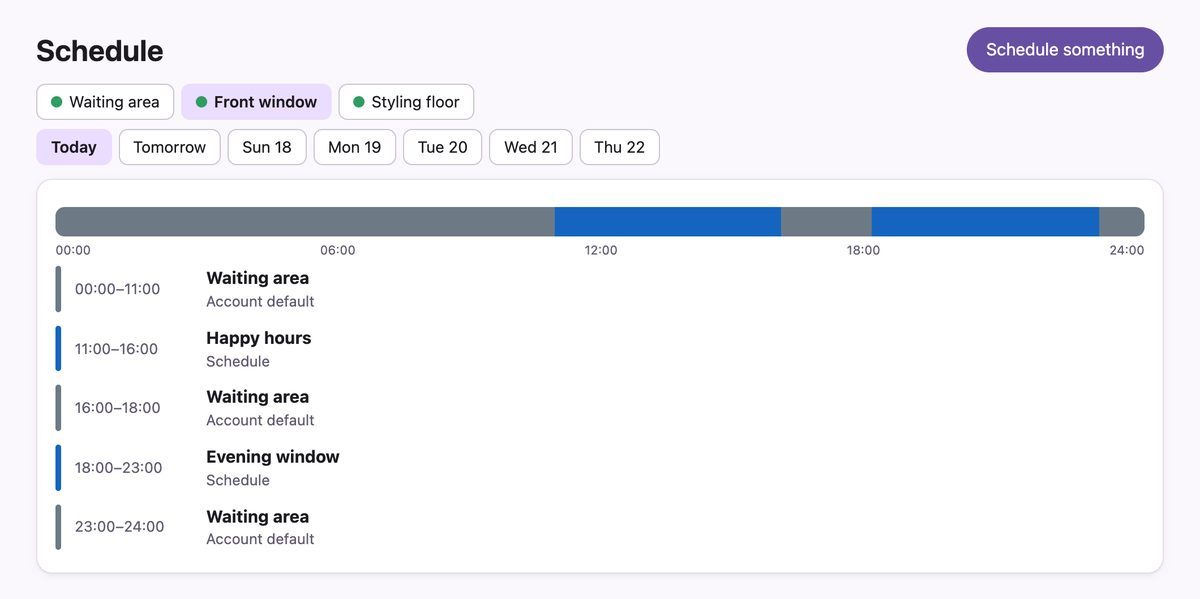
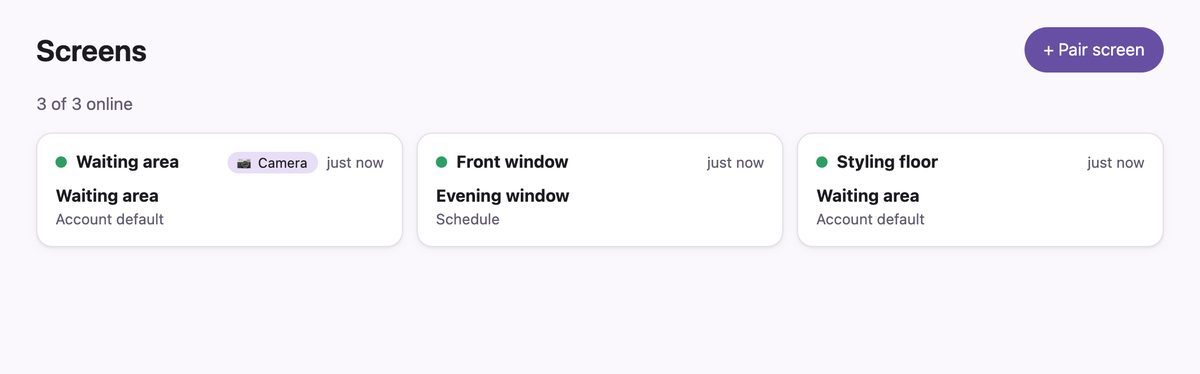
The front window screen plays the quiet-hours offer from 11 to 4 on weekdays, then the waiting-area playlist comes back until the evening window starts at 6.
-
All daywaiting area
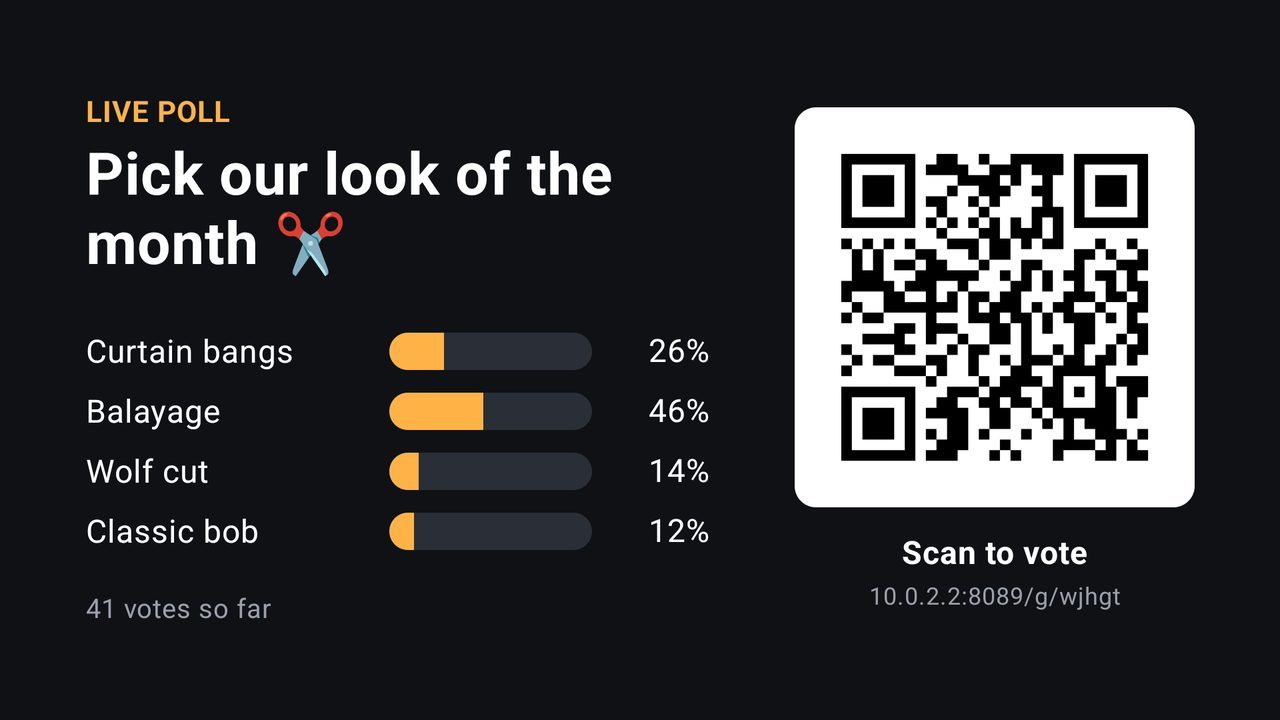
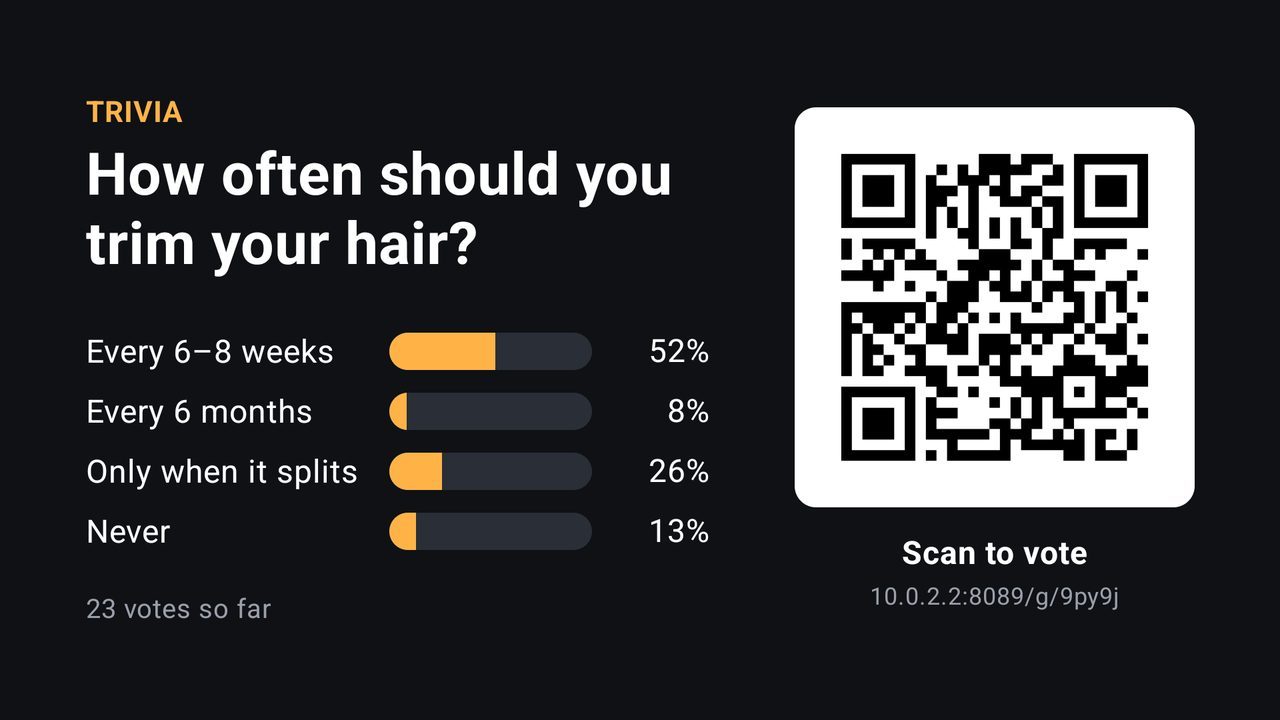
Polls and hair-care trivia
Customers scan the QR and vote from their phone's browser, with no app. Results update on the TV within seconds.
-
18:00front window
The evening window
The window screen switches to your best work and packages for people walking past, such as bridal season bookings.

Included
Everything a salon needs on its screens
Post from your phone
Take a photo of today's look, or upload a video, and put it on screen in seconds.
Offers on a schedule
Weekly windows for happy hours, one-off windows for festival offers, and a default playlist so the TV is never blank.
Notices in 34 languages
Type them or have them drafted in Hindi, Marathi, Tamil, Arabic, Swahili and more. Nothing goes on screen until you approve it.
Polls and trivia
Customers vote from a QR code in their phone's browser, with no app and no login.
Play counts
See how often each offer played in the last 7 days. With an optional USB webcam, see how many people were watching.
Keeps playing offline
Each TV keeps the next 24 hours, so a Wi-Fi drop doesn't blank your screen.
What you need
Equipment
| Item | What | Notes |
|---|---|---|
| Each screen | A TV with an Amazon Fire TV stick or an Android TV / Google TV box | The TV you already have in the waiting area works with a plug-in stick. |
| Network | Your salon Wi-Fi | Screens keep playing offline. |
| You | An Android phone, or any computer browser | On an iPhone, use the web app in the browser. |
| Audience counts | A USB webcam on an Android TV box | Optional. Counts happen on the TV; no images are stored or sent. |
Being designed now
Not available yet
We only list what works today. Salons have asked for these:
- "Your stylist is ready" queue display.
- Send a notice or photo to a WhatsApp number to put it on screen.
- One login for a chain of salons.
Questions salon owners ask
Common questions
Can I use the TV I already have?
Yes. Plug in an Amazon Fire TV stick or an Android TV box, install the Ulloo Events player and pair it from your phone.
Can offers change by time of day?
Yes. Set weekly windows, like weekday happy hours from 11 to 4, and the screen switches by itself.
Do customers need an app to vote?
No. They scan the QR on the TV and vote in their phone's browser.
Can my staff update the screens?
Yes. Give them a content-creator login: they can post offers and photos, but only admins can pair screens or change the team.
Screens shown are real screenshots from a demo salon. Names, prices and timings are demo data. Ulloo Events is in an invitation-only beta.