Offices, lobbies, restaurants
Everyday screens that keep themselves current.
Not every screen is for an event. Ulloo Events also runs the TVs in a reception, a cafeteria or a lift lobby: your own playlists on a weekly schedule, with a notice on every screen of a floor in seconds when something changes.
Plan the week
Playlists on a schedule
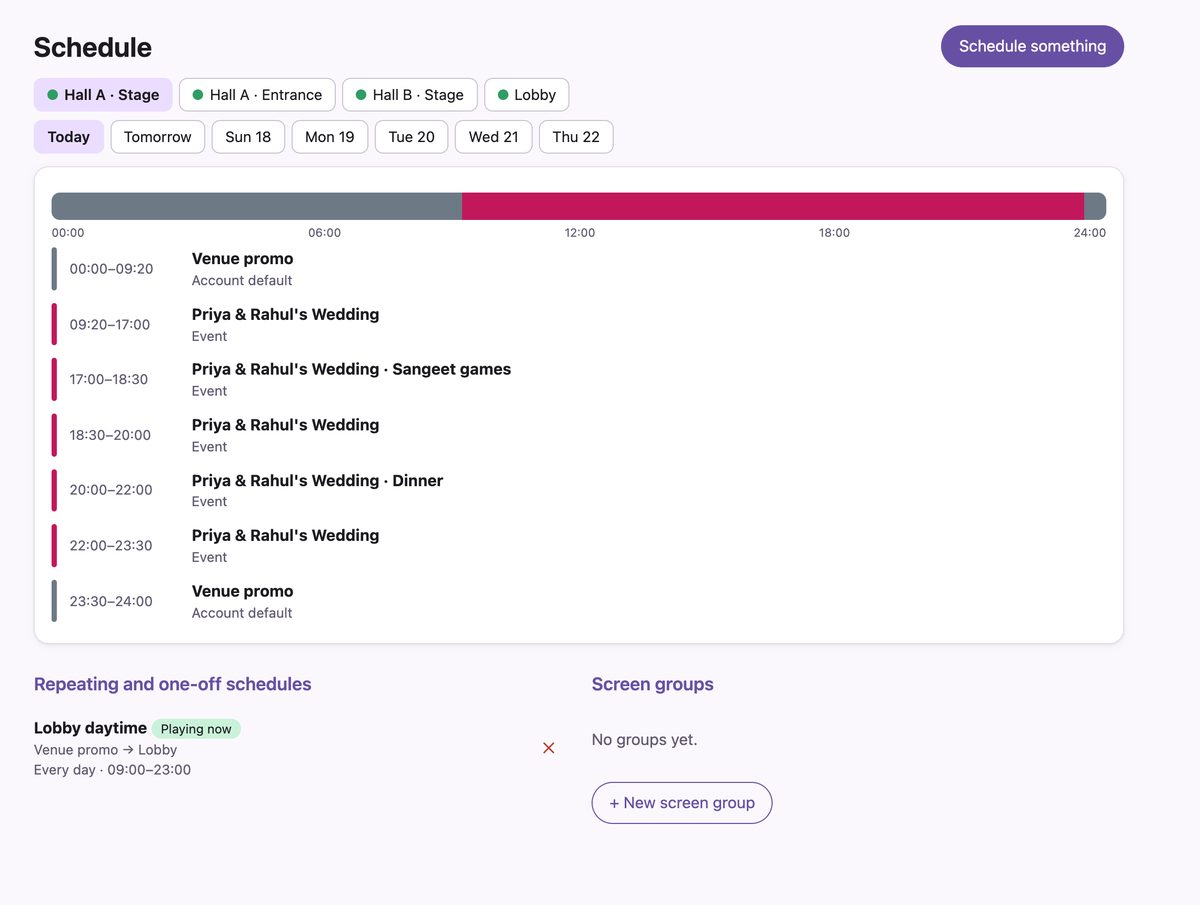
Build playlists from photos, videos and text notices, and give each screen or group of screens its times.
- Repeating schedules by day and time, like breakfast boards from 08:00 to 11:00 on weekdays.
- One-off windows for a sale weekend or a visit, which end on their own.
- A default for each screen and for the whole account, so nothing is ever blank.
- Timing per item: a minimum and maximum time on screen, wherever it plays.
When something changes
Publish now, to one screen or a whole floor
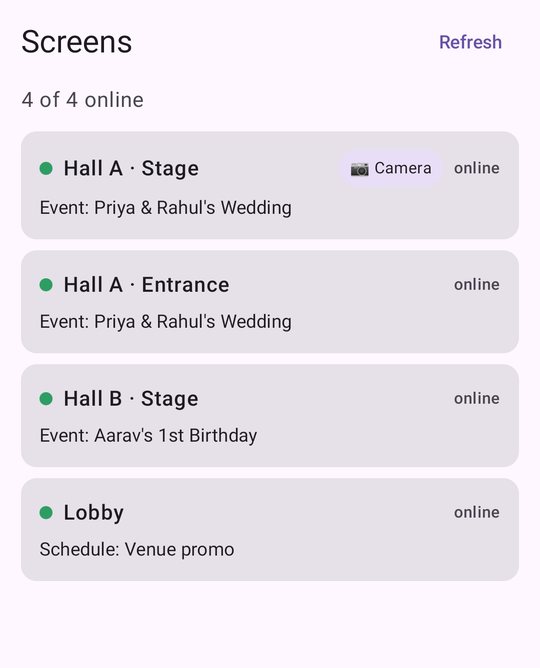
Group screens by floor or area. Publish a notice or a playlist to a group and every screen in it switches on its next check, within seconds. Go back to the schedule with one tap.
For the people who run it
Made for a facilities team
Roles
Admins pair screens and manage the team. Content creators manage playlists. Viewers can only look.
Notices in 24 languages
Type a notice, or have one written for you in Hindi, Tamil, Bengali, Arabic and more. It waits for approval before going on screen.
Remote control
Identify a screen by name, refresh it, clear its cache or restart the player from your phone.
Proof of play
Plays, airtime and the most played items for the last 7 days, and how many people watched on camera screens.
Offline and power cuts
Screens keep playing their saved content offline and start by themselves when the TV is switched on.
Security log
Every screen paired or removed and every team change is recorded with who did it and from where.