4 · 3 · 2 · 1 · Freeze!
Strike a Pose, with the whole room.
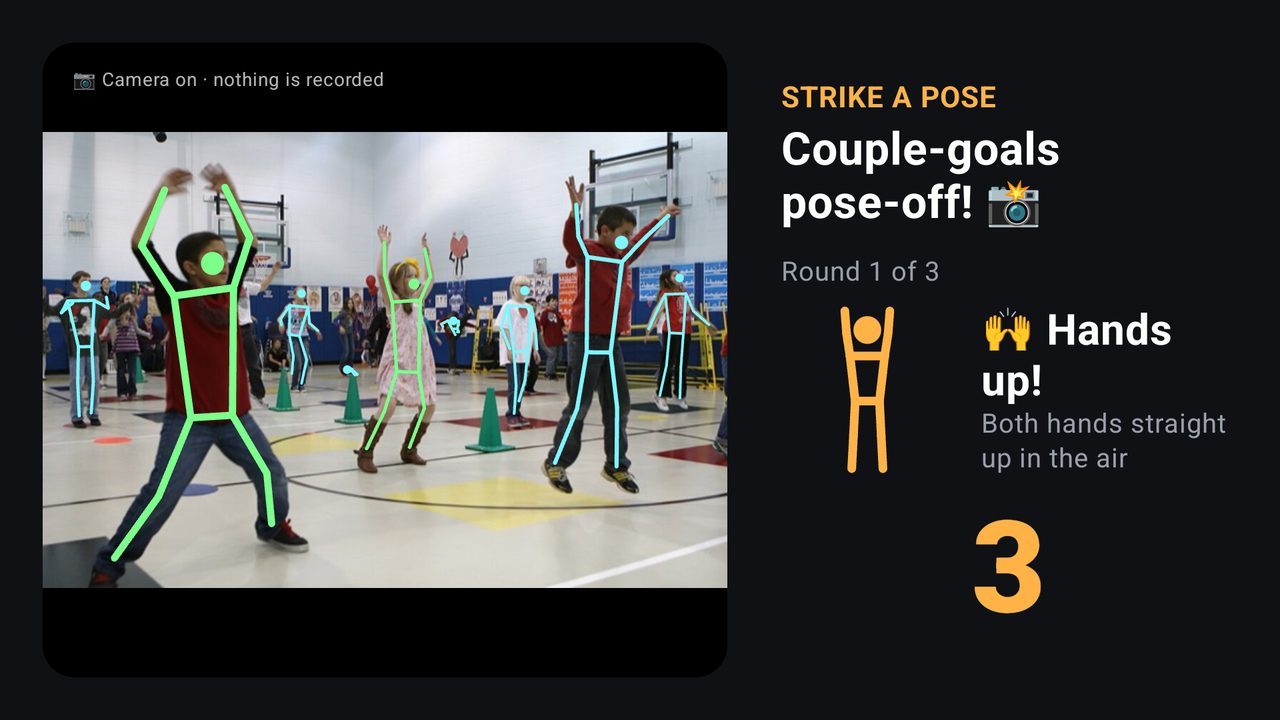
Add a webcam to a screen in your hall and everyone in front of it can play. The TV shows a pose, counts down, and says how many people got it right. Guests don't need their phones.
Camera games need an Android TV box with a USB webcam. Screens without a camera simply skip them.
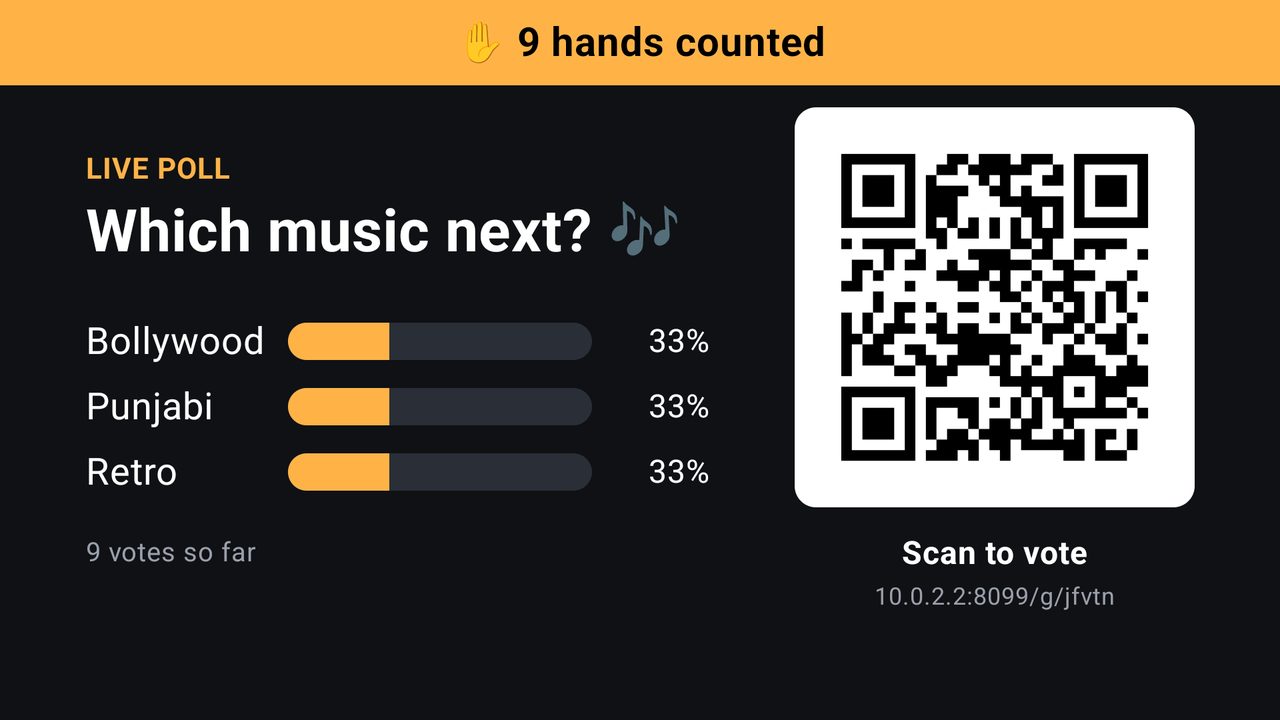
Four ways to use the camera
What guests see
Anatomy of a game
Nine seconds a round
Every round has the same rhythm, so guests pick it up after one go. The game's length is known in advance, so it fits into a playlist like a video does.
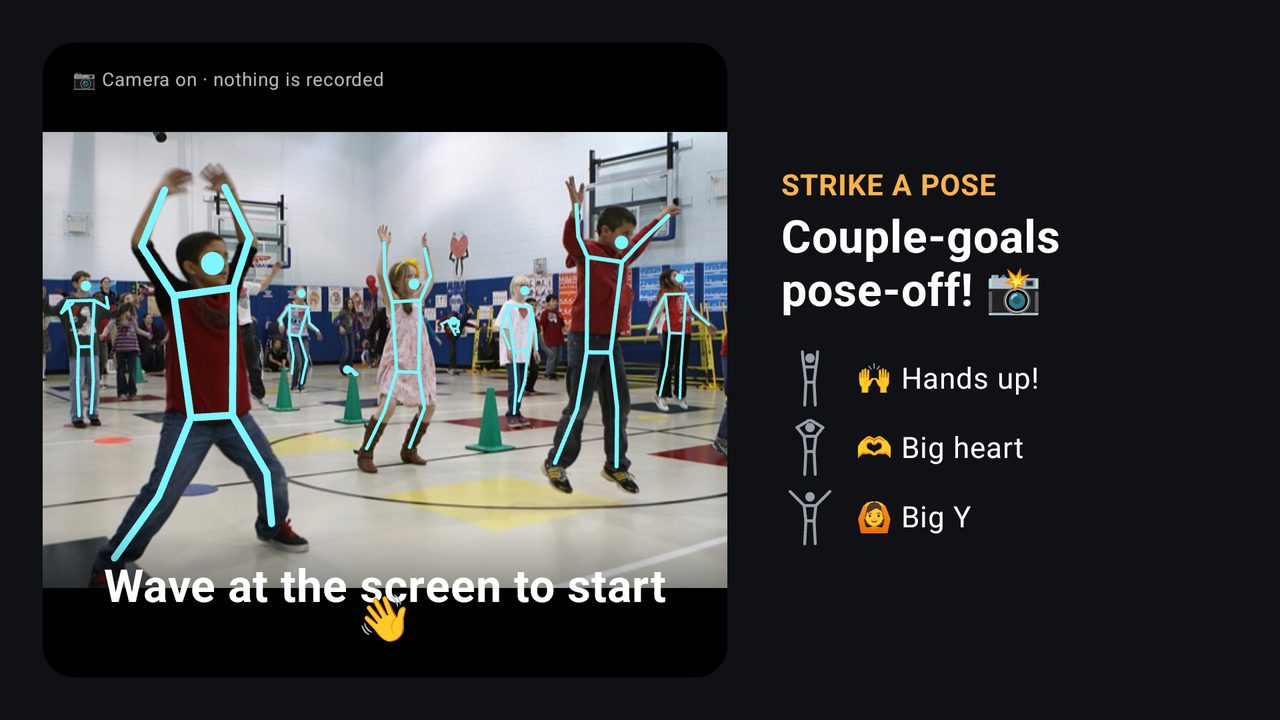 Lobbywave or 10 s
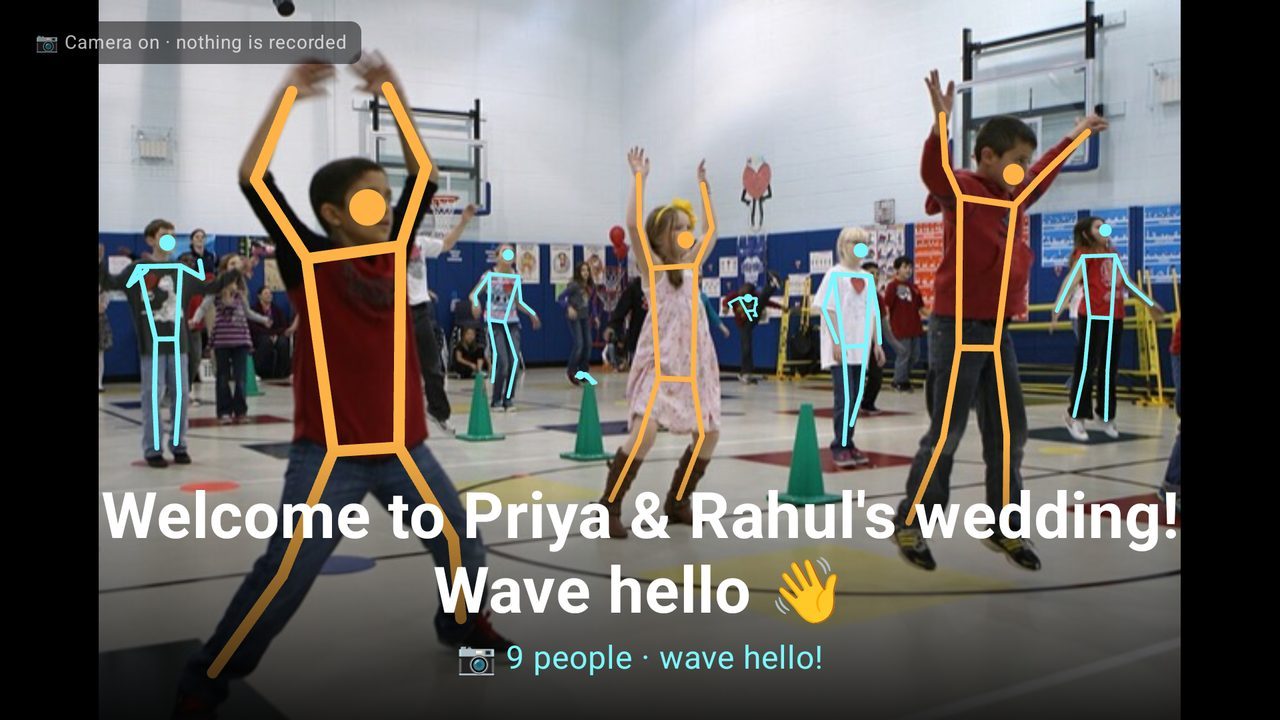
Guests see themselves and the poses coming up. A wave starts it straight away.
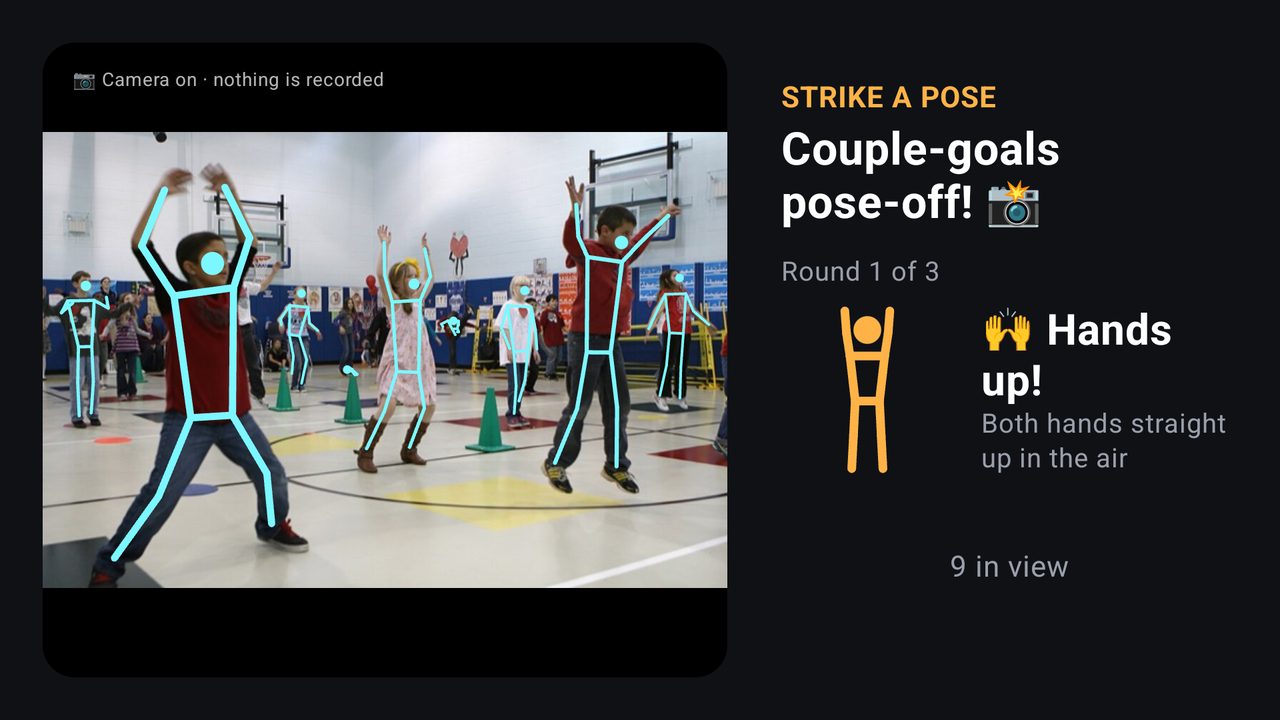 Pose card1.5 s
A stick figure and a one-line hint.
- Countdown4 s
4, 3, 2, 1. Skeletons turn green as people get it right.
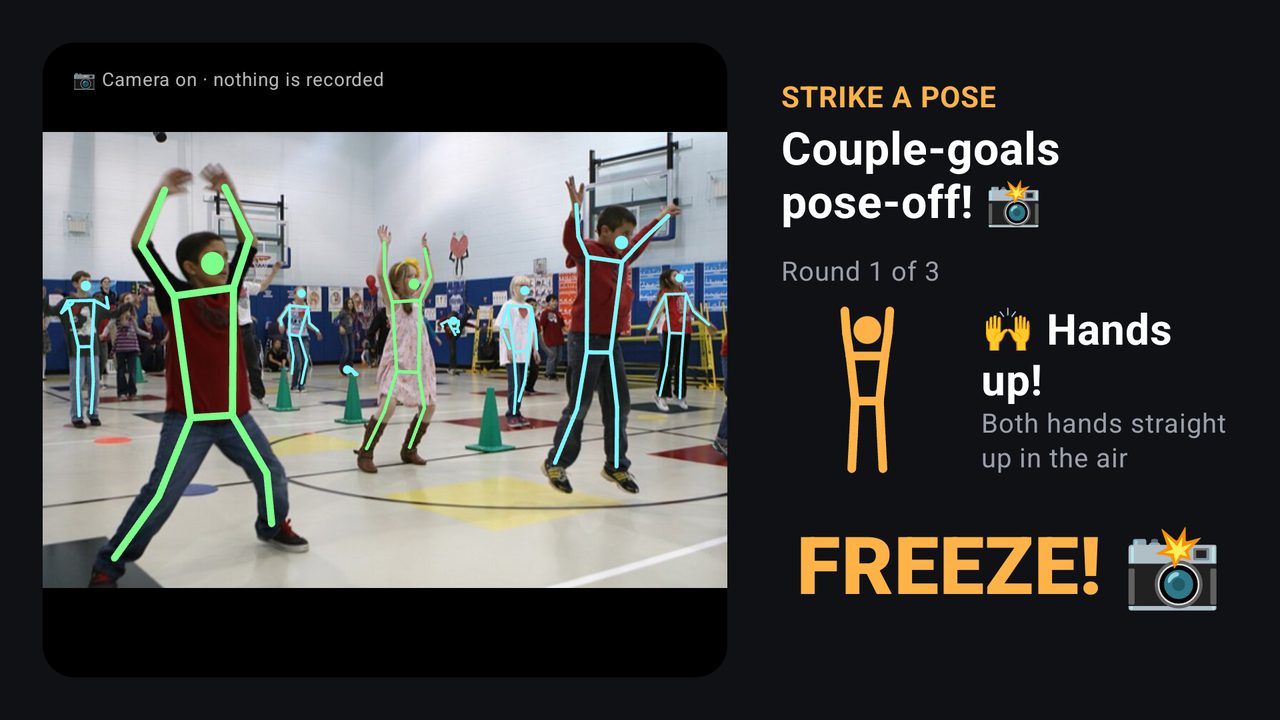 Freeze1.5 s
Everyone holds still while it's scored: the moment for photos.
- Result2 s
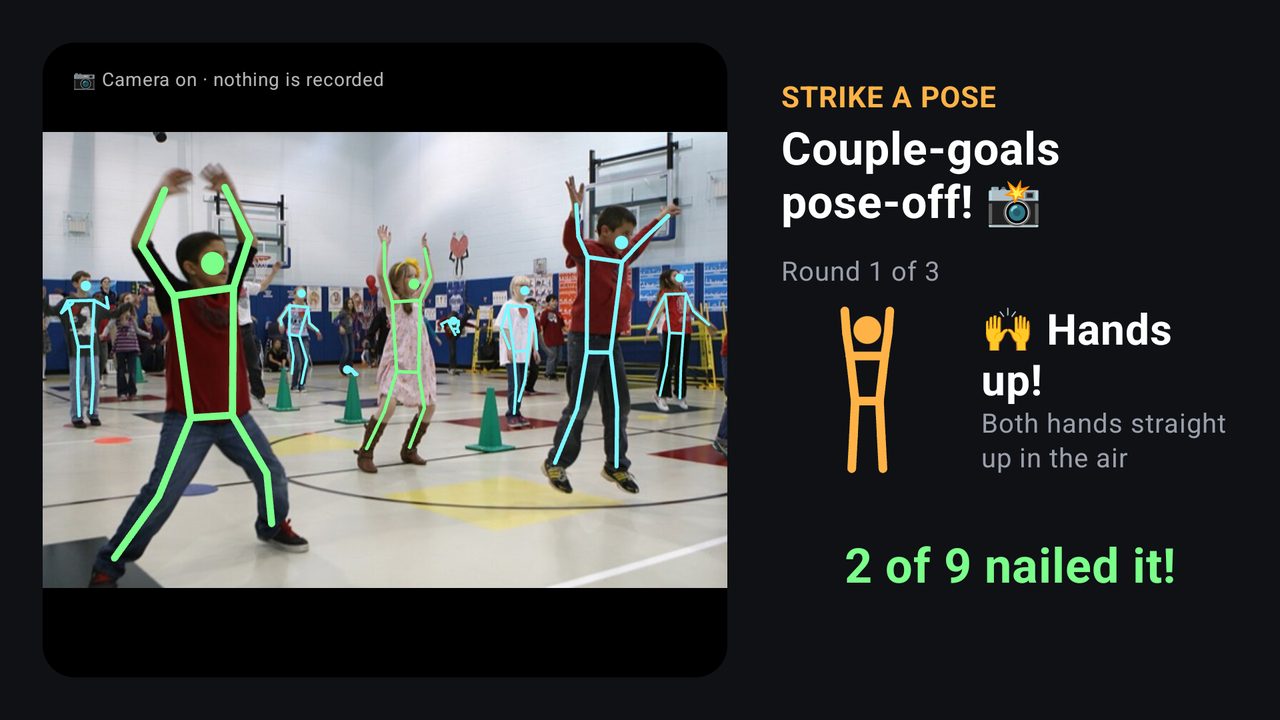
The count also appears in the phone app.
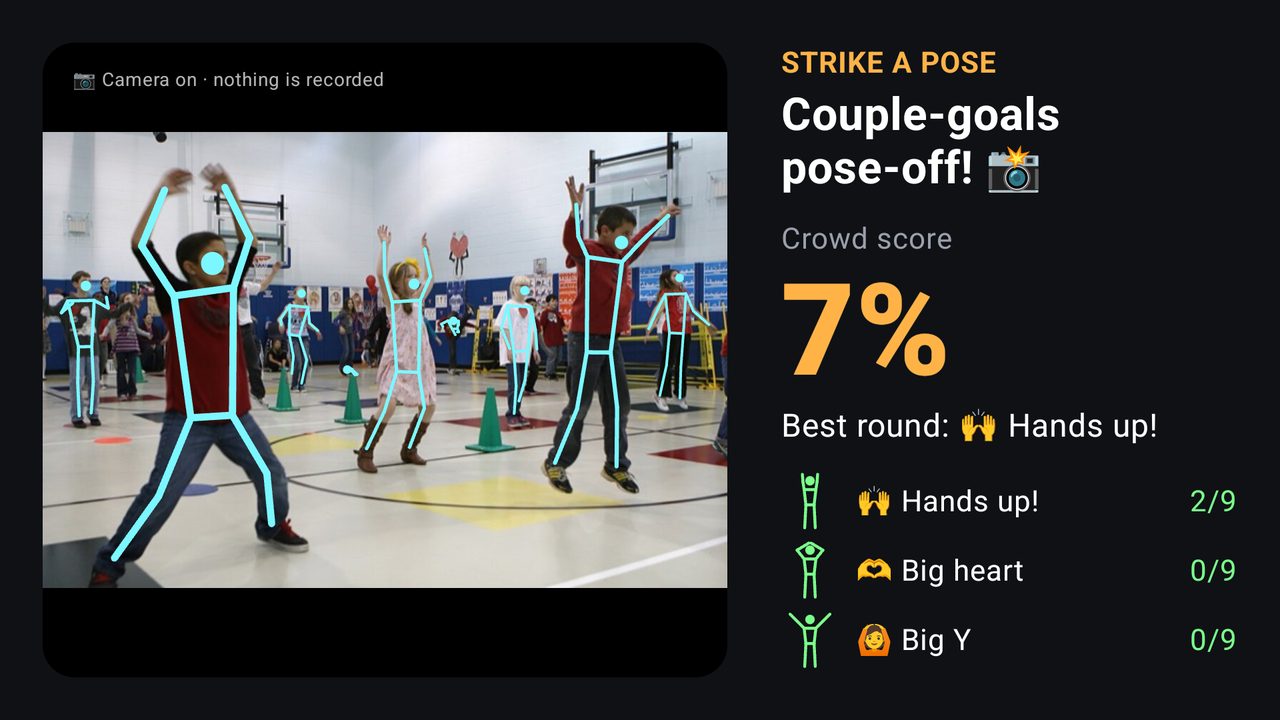 Finale8 s
The crowd score, the best round and every round's result.
length = 10 s lobby + 9 s × rounds + 8 s finale → 3 rounds = 45 s, 5 rounds = 63 s
The pose catalog
Seven poses a crowd can do
Poses are judged on the upper body, because in a crowd the legs are hidden behind the row in front. They're measured in shoulder widths, so they work for guests near the screen and at the back.
- 🙌 Hands up!Both hands straight up in the air
- 🙆 Big YArms up and out wide, like the letter Y
- ✈️ AirplaneArms straight out to the sides
- 🦸 SuperheroHands on your hips, elbows out
- 🫶 Big heartJoin your hands above your head to make a heart
- 🙋 Pick me!One hand up high, the other down
- 💪 MusclesElbows out at shoulder height, fists up
Privacy
The camera counts. It doesn't record.
- Every frame is analysed on the TV, in memory, and discarded. Only numbers like "2 of 9" leave the TV.
- While the camera is on, the screen says "Camera on · nothing is recorded".
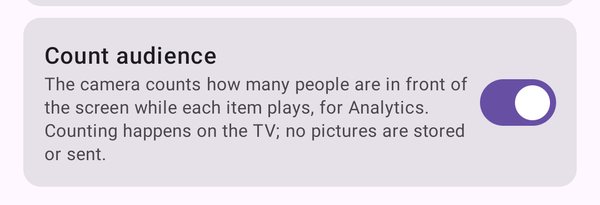
- Audience counting is off until an admin switches it on, one screen at a time.
- The detection library's usage statistics are switched off.
Built for crowds
Tested on real group photos
| Photo | People | Result |
|---|---|---|
| Sports team, standing | 13 | 12 found, no false poses |
| Gym class, arms up | 10 | 3 raised hands, 2 "Hands up!" |
| People at work | 3 | 3 found, nothing invented |
| Large crowd, far away | dozens | 16 found, the per-frame limit |
Limits
- Up to 16 people are scored per frame; guests far from the camera can be missed. A wide-angle webcam at head height helps.
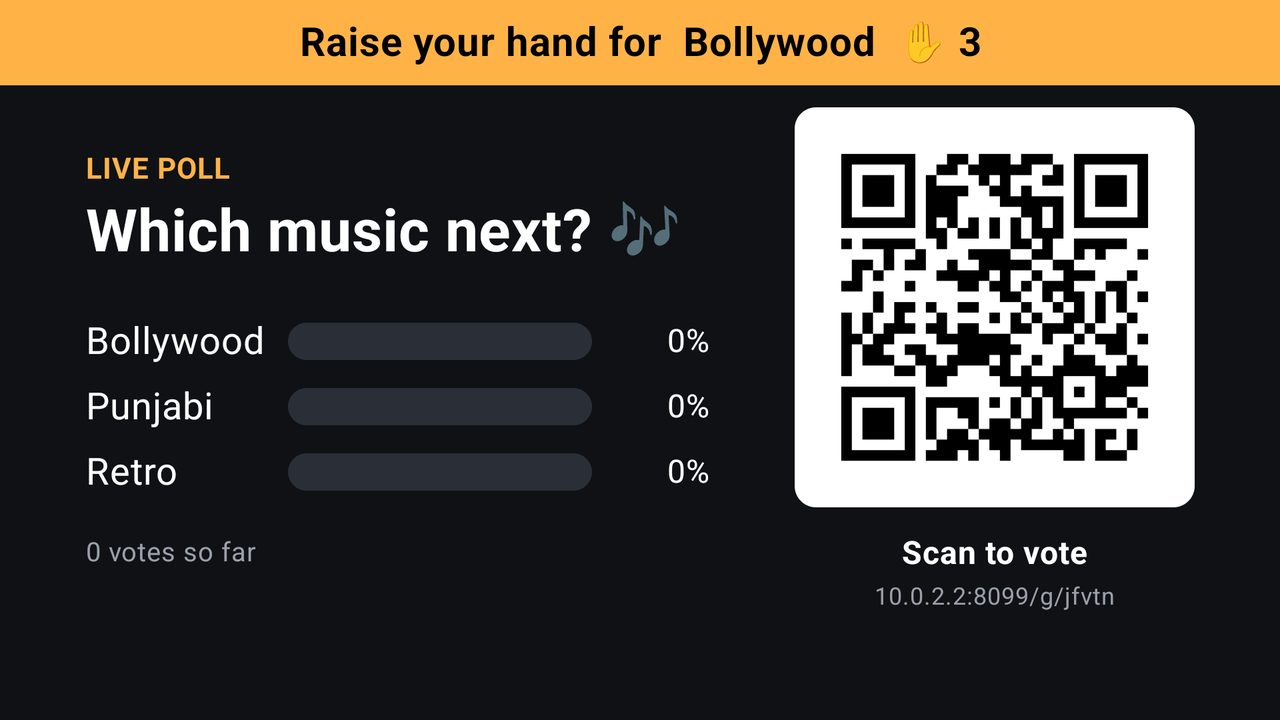
- Fire TV sticks have no camera port. They still play hands-up polls as phone polls.
Screenshots are real screens from the TV player and phone app. No webcam was attached when they were taken, so the camera picture is a public-domain photo of a school gym class (US Marine Corps, Wikimedia Commons).