Screens for weddings, parties and conferences
Every TV in your venue, run from one phone.
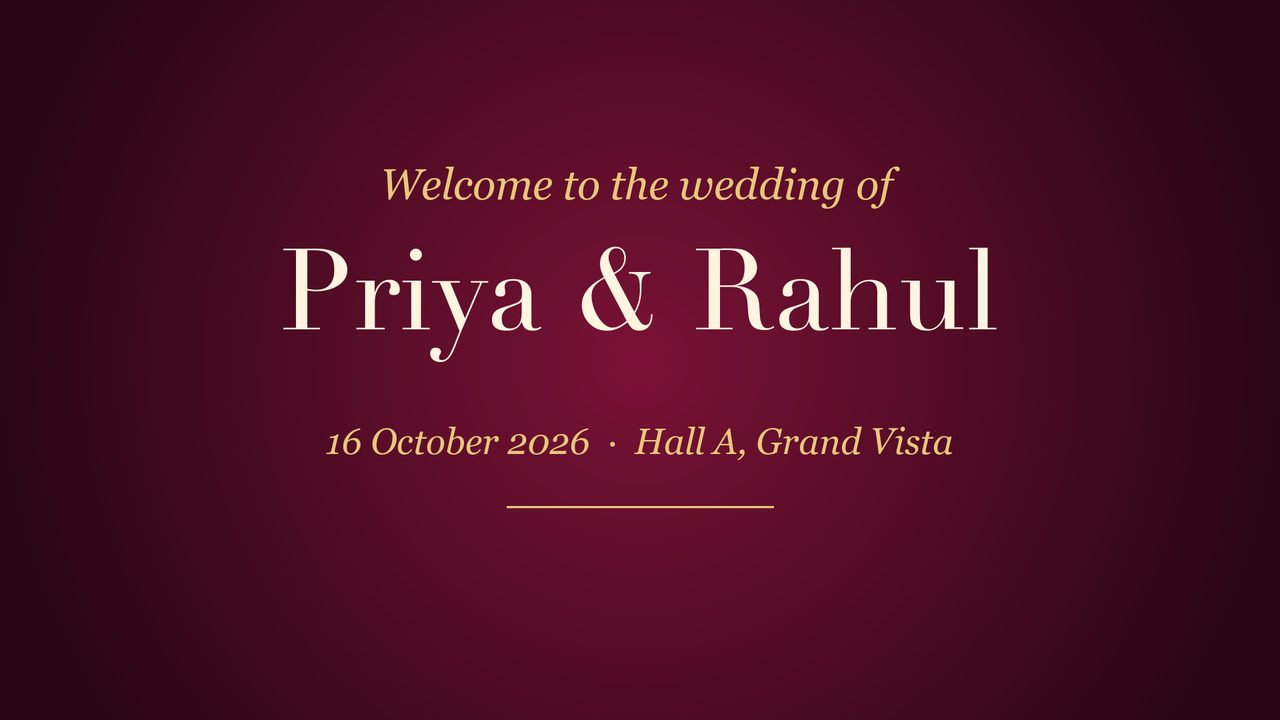
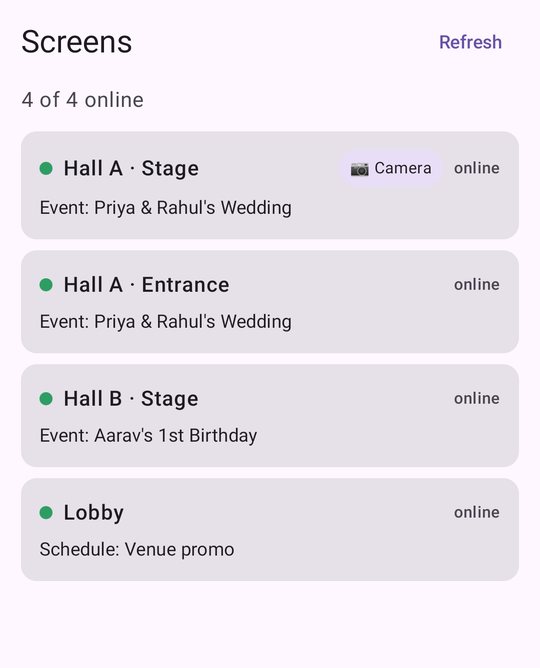
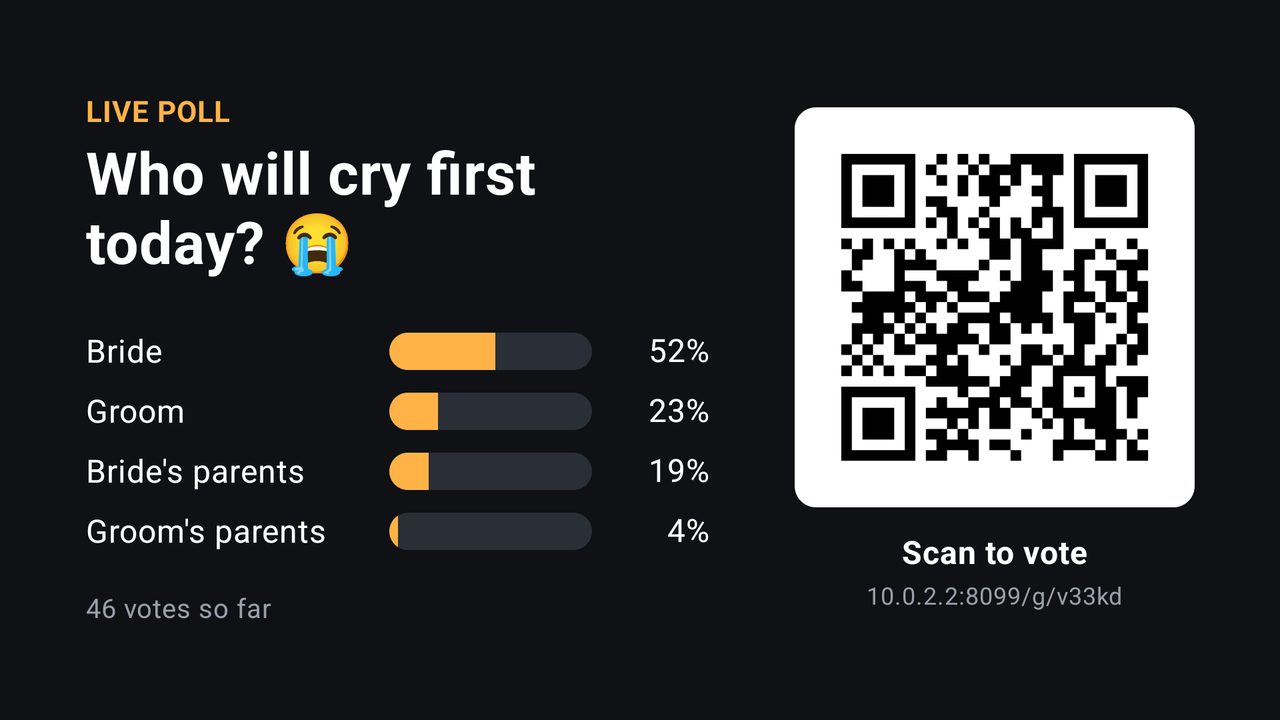
Each hall shows its own event. Guests vote, request songs and share photos from their own phones. When the event ends, the screens go back to promoting your venue.
Ulloo Events is in an invitation-only beta.
Where it's used
One platform, three kinds of screens
Event halls
Slideshows, timings and live games for each event, with a separate event in every hall at the same time.
Camera games
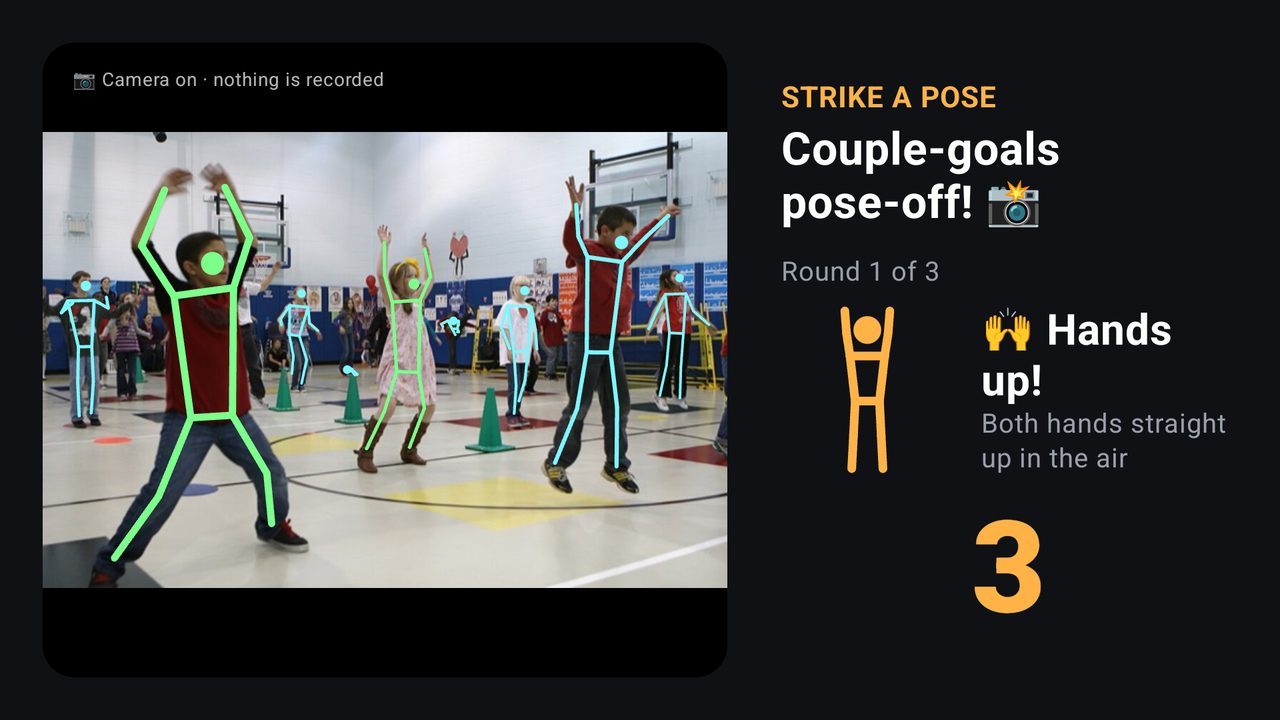
Add a webcam and the whole room can play, with no phones. Analysed on the TV, nothing recorded.
Offices & lobbies
Notices, menus and offers on a weekly schedule, sent to a whole floor at once when something changes.
See all 12 kinds of venue: hospitals, schools, temples, gyms and more
How it works
From a plug-in stick to a live event
Pair each TV
Install the player on a Fire TV stick or Android TV box. Scan the code it shows with the phone app.
Create the event
Name it, set its start and end, and tick the screens it uses. Add slides, notices and games.
Set the run of show
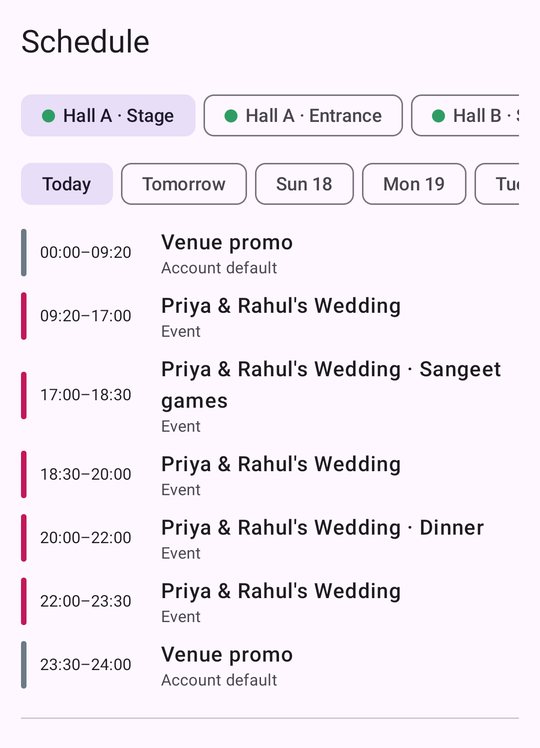
Play a different playlist at set times, like games at 17:00 and dinner at 20:00.
Guests join in
They scan the QR on the TV to vote, request songs or share photos. No app to install.
For your team
Know what every screen will play, all day
The schedule shows each screen's day as the TV will play it: your everyday playlist, the event, its run of show, and back again. The same controls are in a web app for the front desk computer.
- Roles for your staff: admins, content creators and viewers.
- Notices written for you in any of 24 languages, approved before they go on screen.
- Play counts for every item, and audience counts on screens with a camera.
Built to run itself
What happens when nobody is watching
Wi-Fi drops
Every TV keeps a copy of what it plays and carries on, with a small offline note.
Power cuts
The player starts by itself when the TV comes back on.
Free days
With no event booked, screens play your own playlists on your weekly schedule.