Digital screens for Asian wedding and banqueting venues in the UK
Every suite its own wedding, run from one phone.
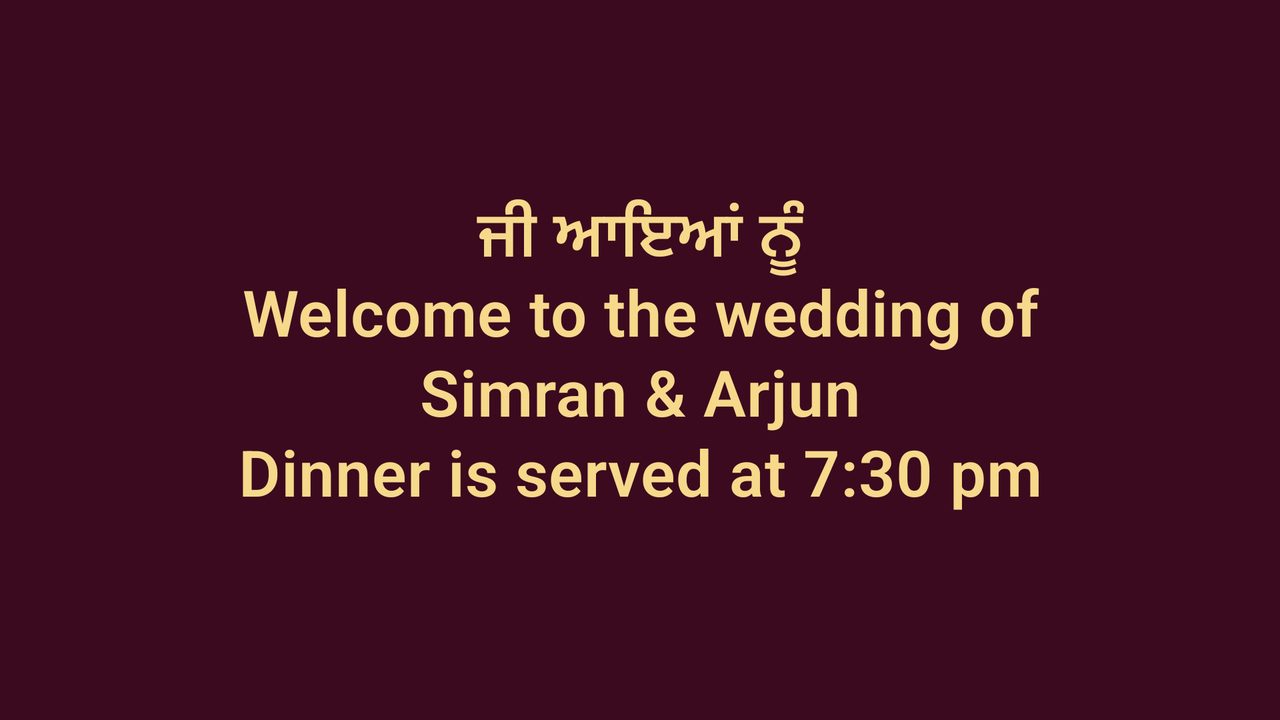
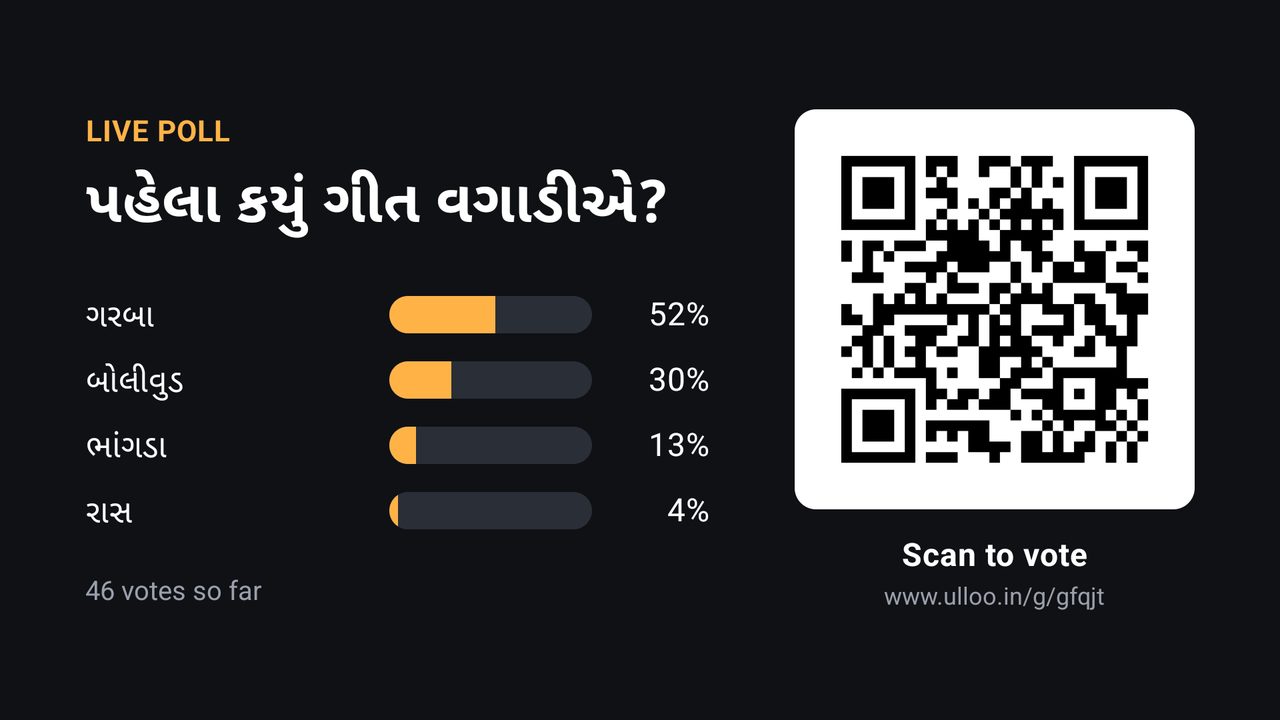
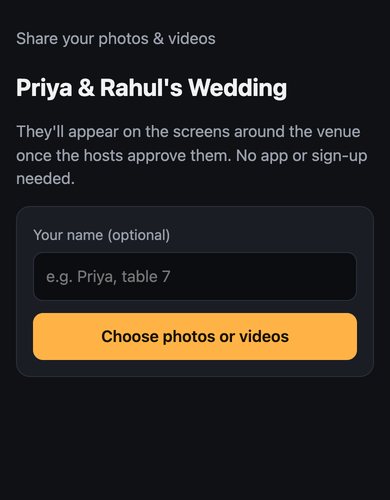
Put the couple's welcome, the running order, notices and live polls on the TVs in each suite, in English beside Punjabi, Gujarati, Hindi, Urdu, Bengali or Tamil. Guests vote, request songs and share photos from their phones, with no app to install.
Ulloo Events is in an invitation-only beta.
Leicester, Birmingham, London, Bradford, Manchester
Mehndi in one suite, a reception in the next
Each booking is an event with its own screens, slideshow and running order, so the wrong slide never reaches the wrong suite. Timings follow UK time, and nobody has to touch the TV during the night.
- Welcome slides, the running order, "Dinner is served" and notices for guests.
- Different playlists at set times: games at 6 pm, dinner at 7:30 pm.
- On days with no booking, the screens show your own promotion on a weekly schedule.
- Send the family or planner a private link to manage their own event, and nothing else in your venue.
For guests
Guests join from the QR on the TV
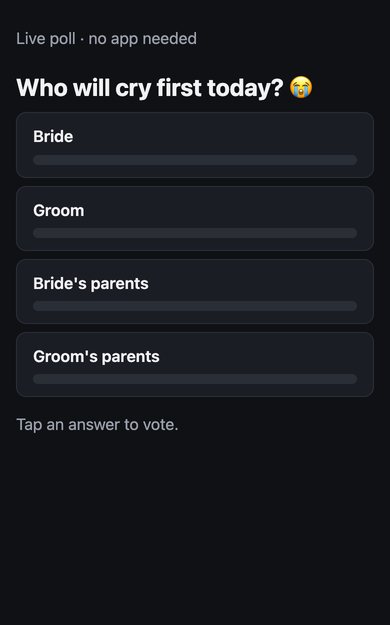
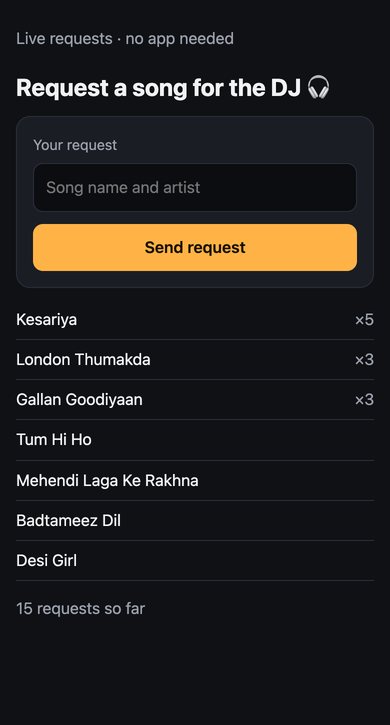
Each page opens in the phone's browser and votes appear on the TV within about three seconds. It's built for a full suite: we tested 300 guests joining at once on the same Wi-Fi.
Runs by itself
What happens when nobody is watching
If the internet drops
Each TV keeps the next 24 hours of its schedule and carries on.
After a power cut
The player starts by itself when the TV comes back on.
After the event
The event's photos and slides are deleted 30 days later, or after however many days you choose.
What you need
Equipment
| Item | What | Notes |
|---|---|---|
| Each screen | A TV with an Amazon Fire TV Stick or an Android TV / Google TV box | Your existing TVs work with a plug-in stick. |
| Network | Wi-Fi in each suite | Screens keep playing offline. Guests use mobile data or your guest Wi-Fi. |
| Your team | An Android phone, or any computer browser | On an iPhone, use the web app in the browser. |
Good to know
What isn't there yet
Everything you write appears in the language you choose. A few things aren't available yet:
- The phone app and web app menus are in English only.
- There's no iPhone app. On an iPhone, use the web app in the browser.
- Prices are agreed with each venue during the beta.
Questions venues ask
Common questions
Can I use the TVs already in my suites?
Yes. Plug an Amazon Fire TV Stick or an Android TV box into each TV and pair it from your phone. No new screens needed.
Do guests need an app?
No. Voting, song requests and photo uploads open in the phone's browser from a QR code.
Which languages can go on screen?
34, including Punjabi, Gujarati, Hindi, Urdu, Bengali, Tamil and Arabic, with English on the same slide.
What happens to guests' photos?
Only that event sees them. You or the couple can approve each one first, and they are deleted with the event's content.
Get the event hall proposal
Tell us about your venue and we'll email you the proposal, with real screens and what isn't available yet.
Screens shown are real screenshots from the Ulloo Events player with a demo venue. Names and timings are demo data.